Your own instance
Every account gets its own workspace, set up in its own containers when you sign up. No one else’s assistant runs in it.
Your knowledge. Your AI. Your advantage.
K2AI One is a personal assistant that lives in a private workspace of its own, thinks with the AI subscription you already have, and remembers what you tell it.
Your AI. Your knowledge. Your private workspace.
Talk to K2Tap the orb · interactive conversation preview
Your knowledge. Your AI. Your advantage.
With time, position, or people.
Turn conversations, files, decisions, and ongoing work into a living Knowledge Cloud—then work with it through the AI subscription you already trust.
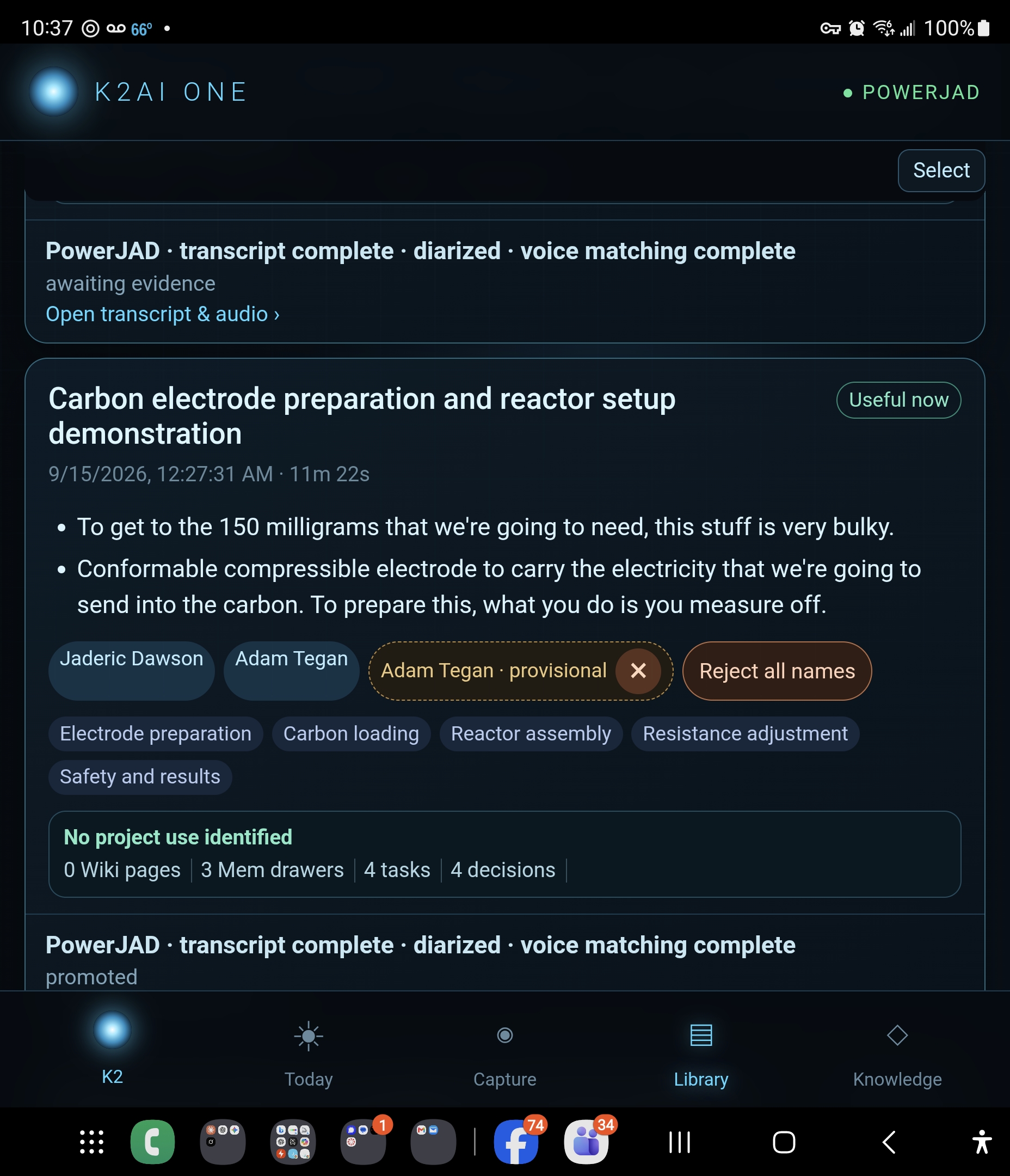
Capture the work
Dictate a note in the browser. Record meetings and voice notes from your phone, transcribed and filed into memory.
The words. The speakers. The decisions.
Context you can return to.
Retrieve with provenance
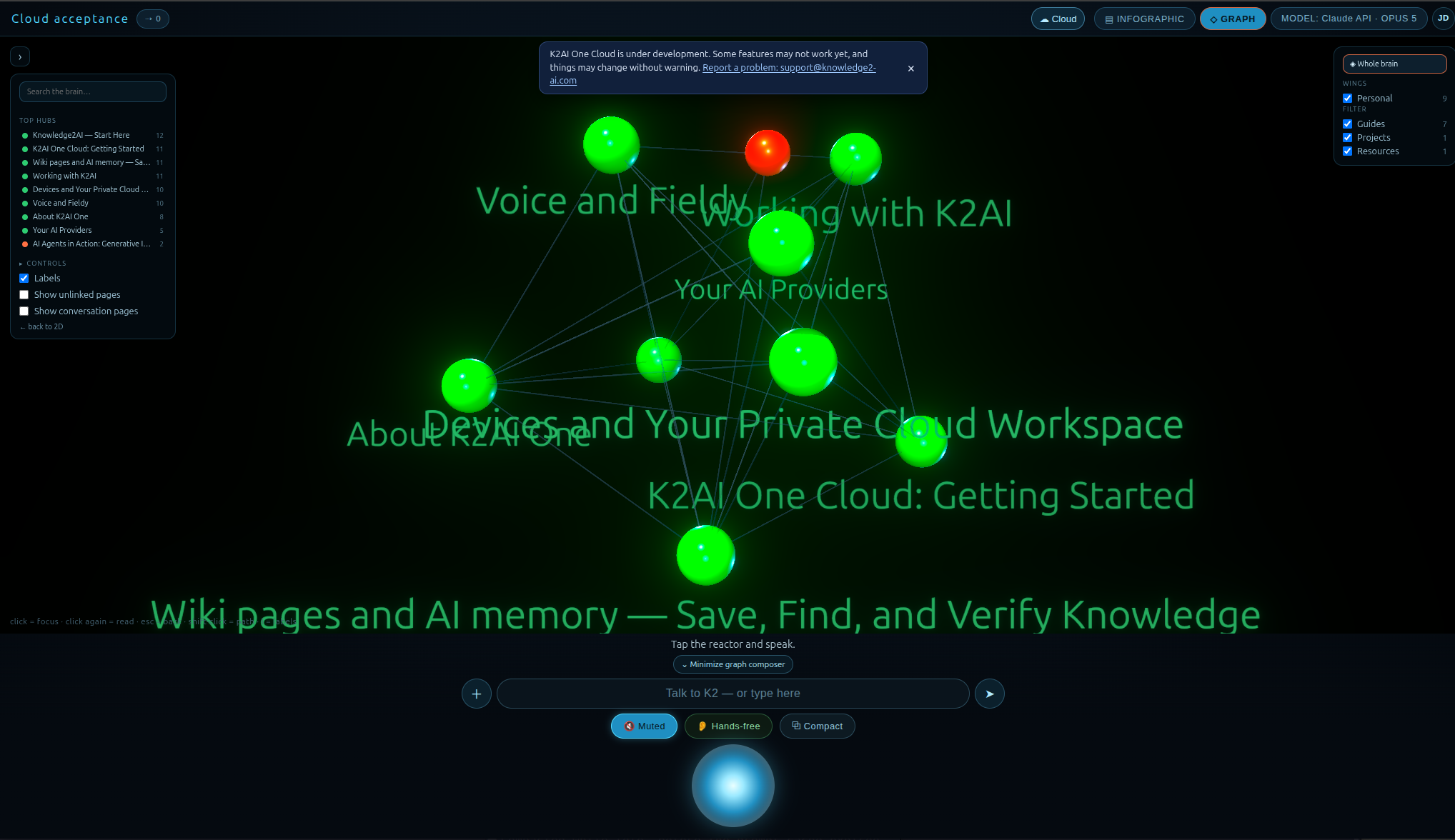
What is worth keeping goes into a private wiki and memory that your assistant can search when it answers. You can read it yourself, page by page, or wander it as a 3D graph.
Remembers what you tell it.
Answers connected to their sources.
Work with your own AI
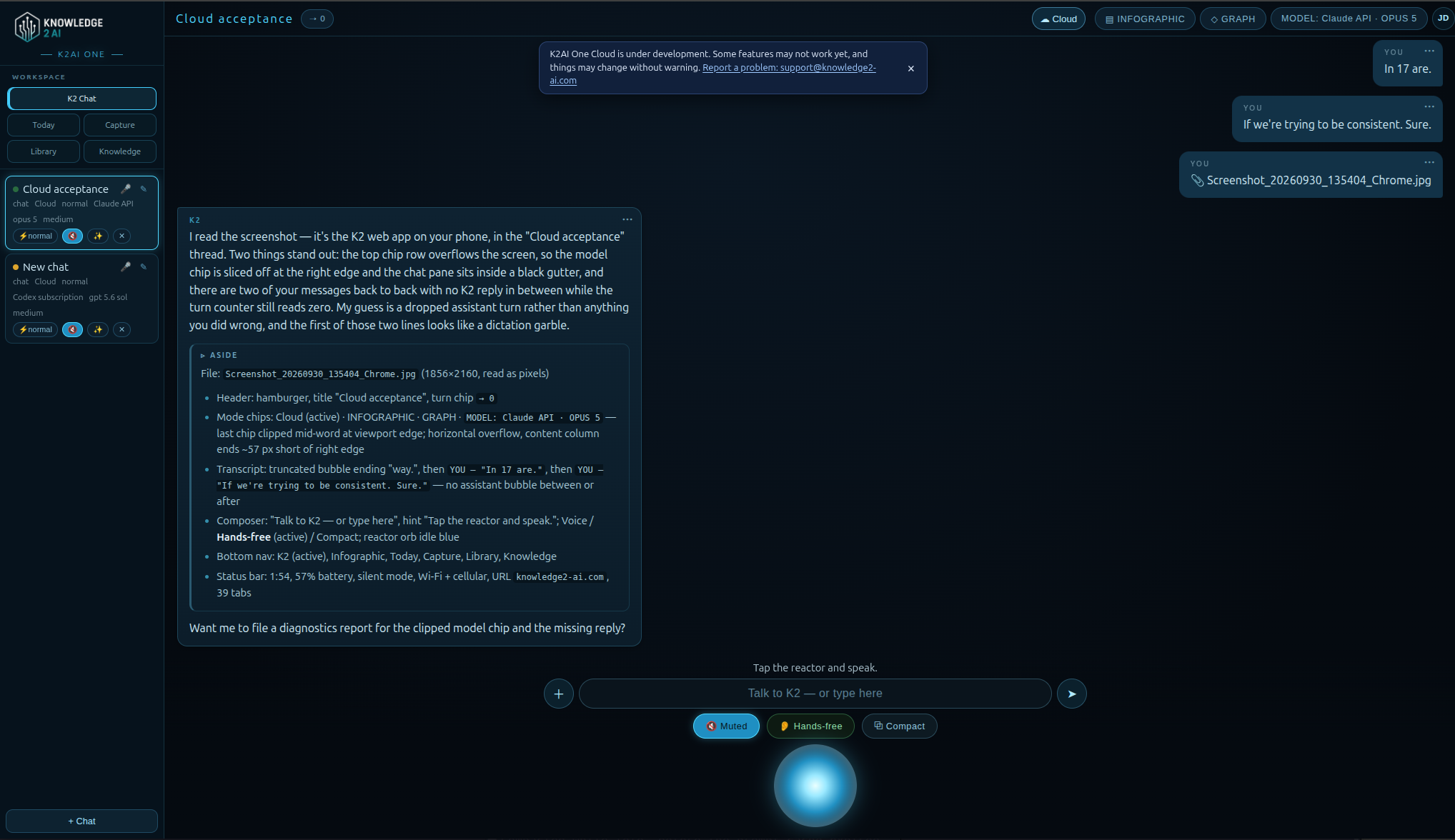
A private workspace of its own. Your context, your AI, and the blue orb that brings it all together.
Talk on your phone.
Pick up at your desktop.
Keep the thread.
Put your knowledge to work
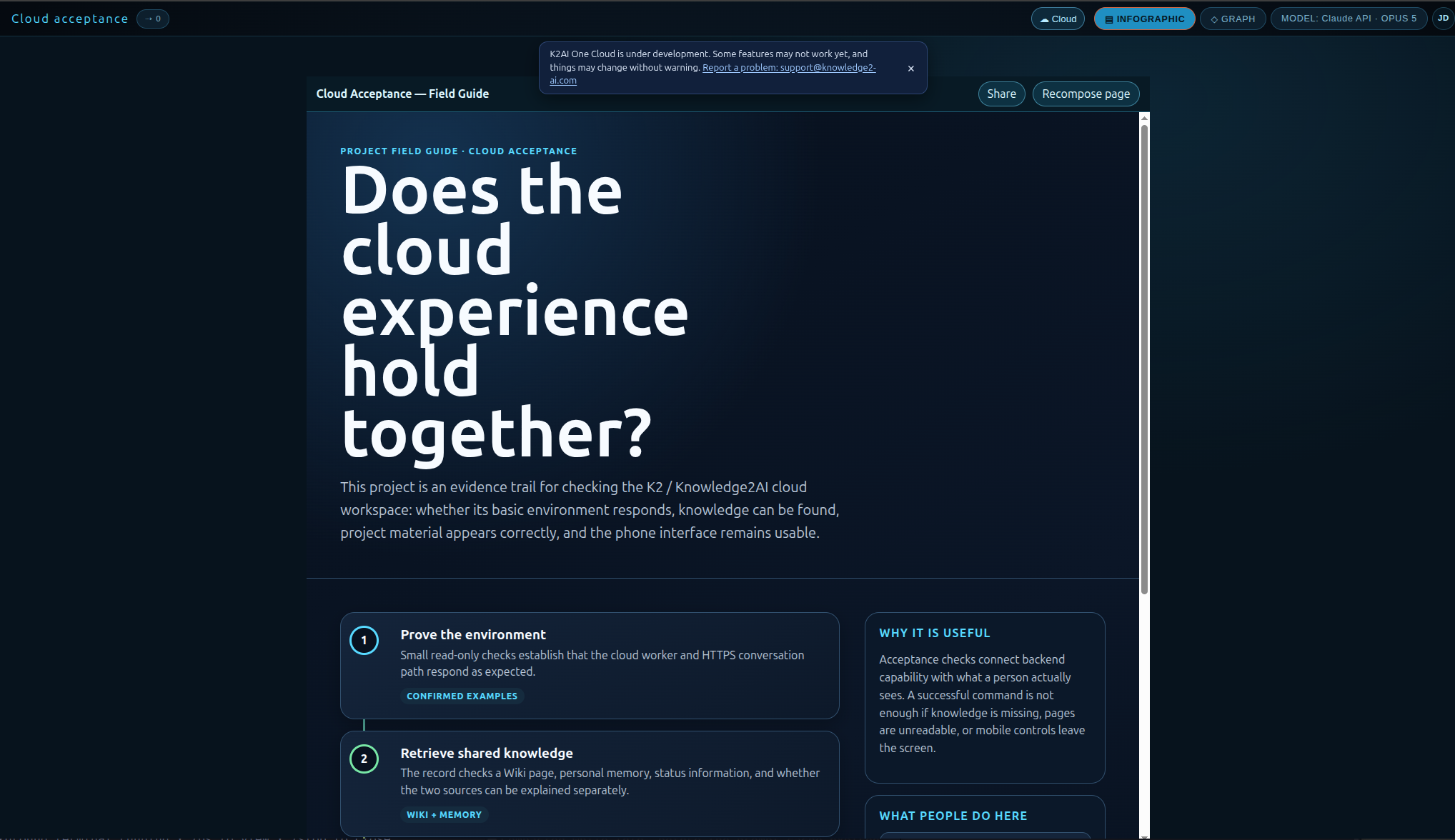
From a conversation to a working project. Bring your knowledge into view, explore the details, and pick up the next step with K2.
Research. Decisions. Project delivery.
Knowledge continuity that compounds.
01 / A day with K2
Your assistant keeps the context with you:
your AI, private knowledge, and real machines.
YOUWhere did we land on the garage subpanel?
North wall, fed from the main panel.
I linked the page rather than read it aloud.
You settled it last week. The decision, the load notes, and the wiring plan stay together in your garage project.
From your wiki: Garage electricalA memory with the source attached.
YOUTurn the garage electrical notes into a plan.
Everything in one place.
Here’s your next move.
I’ve pulled the subpanel decision, open questions, and next steps into your garage project. Start with the load calculation, then the permit.
Garage electrical · Working planYOUWhich machines are up?
Two of three.
The headset has been quiet since last night, which I’m choosing not to take personally.
Your assistant joins your private network, sees which machines are online, and works on the ones you connect.
Your private network · machine status03 / Intelligence with reach
Talk from your phone. Pick up on your desktop.
Put your assistant to work on the machines you connect.
Voice chat and dictation work in the browser. Spoken replies work on every account.
Sign in with your Claude subscription or Codex subscription. Use a Claude or OpenAI API key as an alternate. Your AI provider bills your own account directly.
Your assistant joins your private Tailscale network, sees which of your machines are online, and works on them. Jaderic Dawson, who built K2AI One, runs his own assistant on his own machines every day.
04 / Personal means yours
Your assistant is not a shared chat window with your name on it.
Every account gets its own workspace, set up in its own containers when you sign up. No one else’s assistant runs in it.
Claude and Codex subscription sign-ins stay in your workspace’s own storage; our gateway never sees their tokens. An alternate API key you add is stored encrypted.
Your wiki and memory live in stores set aside for you alone, in Microsoft Azure’s East US 2 region. Nobody else’s data sits in them, and yours sits in nobody else’s.
A place for your AI to call home
What you need. Your Claude or Codex subscription powers the thinking. An API key is an alternate. K2AI One brings the workspace, memory, and connections together.
Platform plans cover hosting and workspace services. Your AI provider’s charges are separate.
Talk to us about your workspaceA little less friction. A lot more possibility.
Use Google, Microsoft, or an email address. Then pair your own AI from inside your new workspace and say hello.
Built by Jaderic Dawson, who made it first for his own home and still runs it daily.
Create your assistant Sign inThanks. We read every message. support@knowledge2-ai.com
That didn't send. Write to support@knowledge2-ai.com